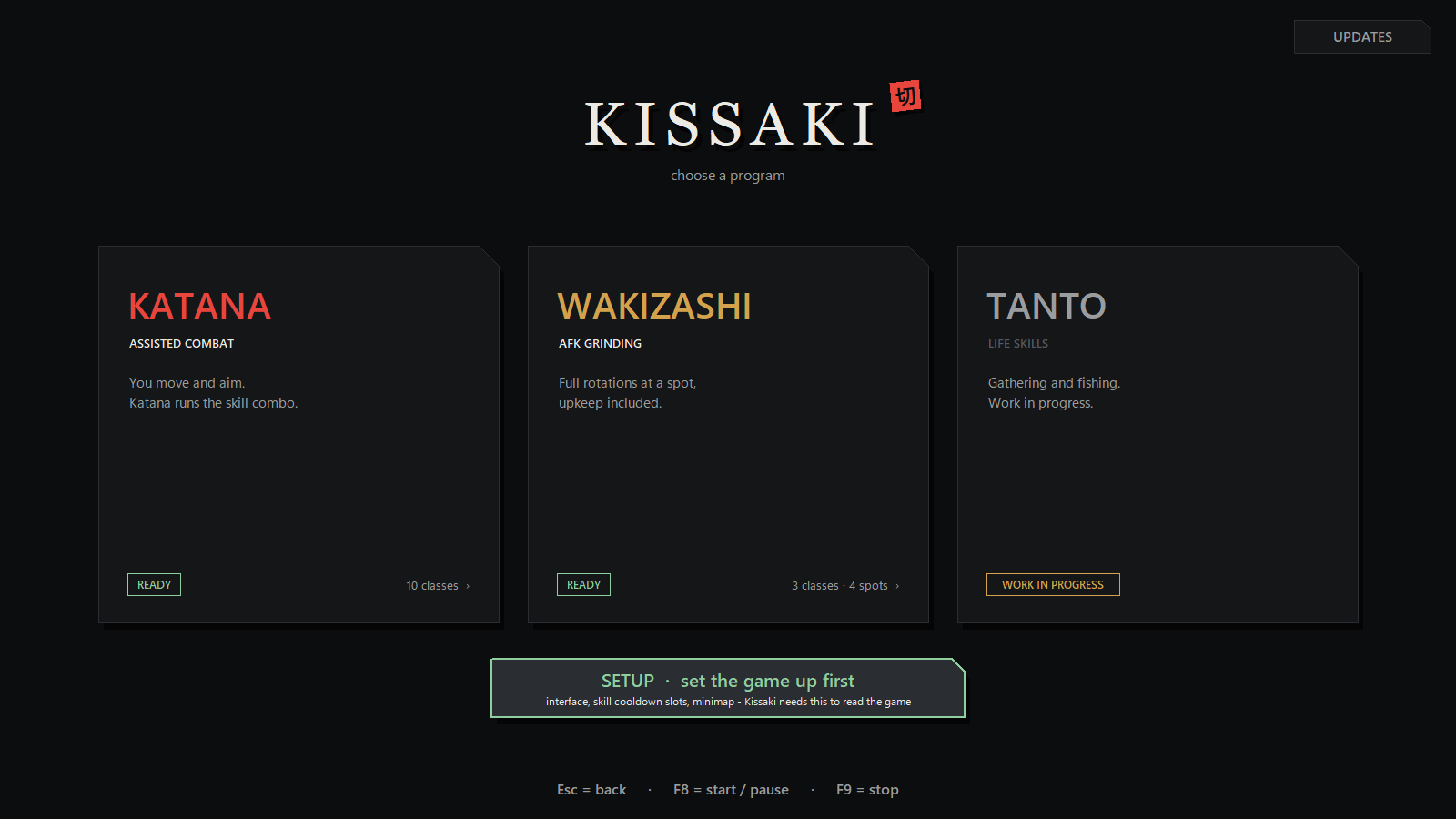
assisted combat · afk grinding

KISSAKI

TRY THE COMBO ↓
scroll
0Katana classes ready
0classes for your own combo
0AFK spots
0hacks, bypasses, memory edits

mode 1 · assisted combat

You move. You aim. Katana runs the combo.

The order, the chains, the follow-ups, the buffs. Press any movement key and Katana lets go at once. Try it: this is the real Witch Succession combo, in the order Katana casts it.

FIGHTING

Hold one of these, like you would in the game:

WASD SHIFTSPACE

(click and hold works too)

BUFF 1ready
BUFF 2needs full rage
RAGE
0 %
0casts / min
0casts
0let go for you

Your keys always win

Movement, dashes, double-tap W, your own skills, your mouse. Katana steps back and goes on 0.1 s after you let go.

Only where you point

Red crosshair, nameplates in the middle, mobs ahead on the minimap. It never casts at nothing and resets the combo between packs.

Buffs, potion, V

E / Z buffs one at a time (Z at full rage), HP potion under 30 %, an optional V at low HP.

Aim assist

Small camera nudges onto the target while a skill plays. Full, light or off. Your mouse wins.

Your own combo

Any of the 32 classes: pick the skills in your order, then record your timing at the dummies.

Live dashboard

Radar, casts per minute, skill gaps, the combo lighting up as it runs.
how katana decides

Point at the pack. That's the signal.

Move your mouse over the radar: that's your camera. Mobs inside the green cone and close enough are a fight; anything behind you or far away is not. Katana never turns the camera to go looking: that's your job.

  • Nothing to hit for ~0.4 s → the running chain is cut
  • Nothing for ~1.5 s → the combo resets, next pack starts with the opener
  • Click the radar to drop a new pack
NOTHING AHEAD · STANDING BY

mode 2 · afk grinding

Pick a spot. Press F8. Walk away.

Wakizashi plays the whole spot: the route, the fights, the spot's own mechanics, and the upkeep. Built and tuned spot by spot, class by class, from real runs.

Not every spot or class runs in Wakizashi. Each spot and class is built, trained and tested individually for this mode, and that takes time. We only release a spot or class once it has passed all of our checks and completed many full test runs, so it performs reliably from the first rotation.

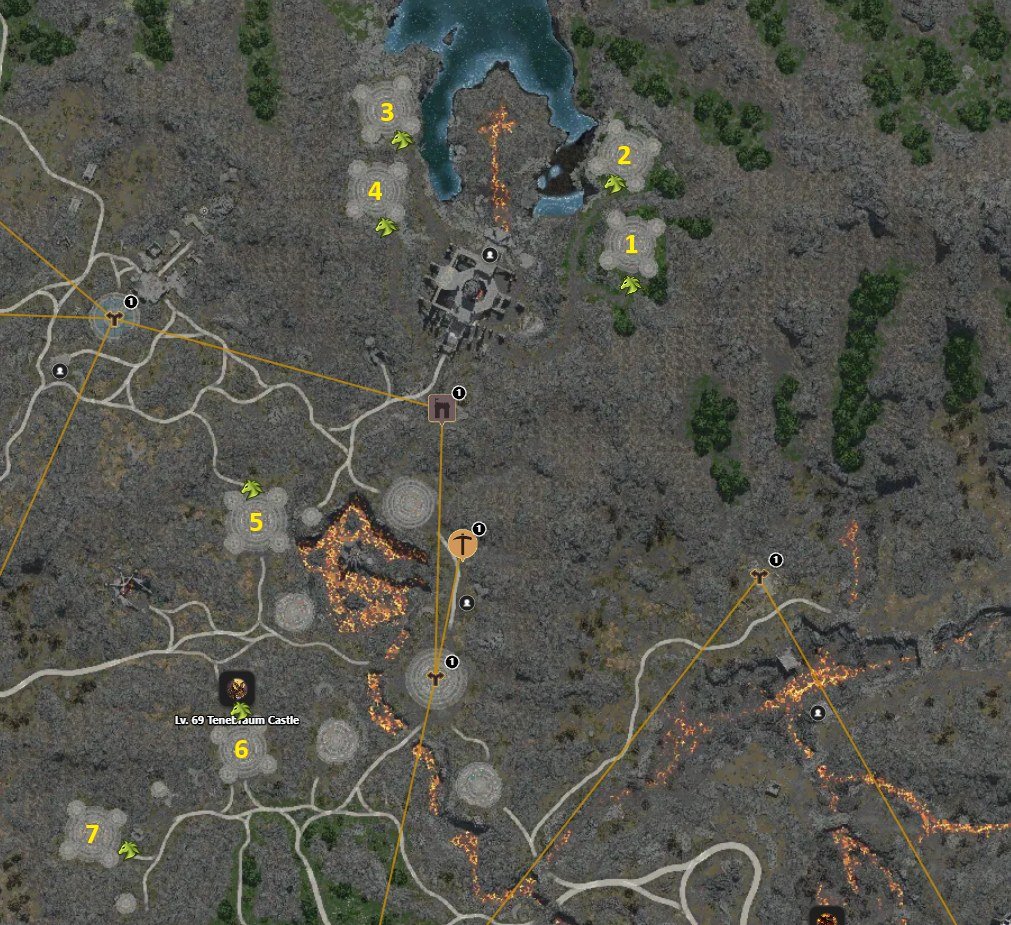
spot map

Tenebraum

Upkeep, done by itself

⚗Potion auto-use

Checked at the start, switched on if it's off.

🎒Trash

To the maids or the horse, before you go overweight.

⚒Repair

At a campsite, on schedule or on the low-durability alert.

⛺Tent + horse buffs

Renewed when they run low.

✦Companion

Summoned when its buff is gone, never twice an hour.

⛨Staying alive

Potions, back dashes, V, and a leash so it never wanders off.

the roster

Ten classes ready. Thirty-two to build.

Every recommended combo is checked frame by frame against videos of real runs. Click a class to see its skill setup.

the window

Tsuba. Watch it think.

Tsuba is the Kissaki window, built to be simple: every class, spot and setting a click or two away, no menus to dig through, no config files. It never touches the game: it shows what Katana and Wakizashi see and do.

TSUBA
Tsuba

what we don't sell

Eyes and hands. No hacks.

Kissaki reads the game from the screen and plays with a keyboard and mouse, the way you do. Nothing more.

✕
No anti-cheat bypass

Kissaki never touches, disables or breaks the anti-cheat.

✕
No god mode

Your character takes every hit it would take with you at the keys.

✕
No memory reading / ESP

It only sees what's on your screen.

✕
No cooldown or speed hacks

The game's rules, the game's timings.

✕
No teleport / fly

It walks, dashes and rides like a player.

✕
No changed game files

It only reads your key binds and Interface Scale.

on youtube

Videos. Watch it run.

Real runs from our channel. Click one to watch it on YouTube.

THE CHANNEL ON YOUTUBE ›

get in

Three steps. One code per PC.

1

Download

One small Kissaki.exe. Classes, combos, spots and fixes arrive by themselves on every start.

2

Send your machine ID

The first window shows it. Send it, get your access code back.

MACHINE ID
ABCD-1234-EF56-7890
ACCESS CODE

This is a demo of the window, nothing is sent.

3

Set the game up once

Full Screen Window, Interface Scale 90 %, the skill cooldown slots, the minimap. About two minutes, with a guide.

SETUP GUIDE
Windows10 / 11
Katana2560 × 1440 / 1920 × 1080
Wakizashi2560 × 1440
1920 × 1080 under review
Interface Scale 90 %Full Screen Window
Internet at startfor the access check
What Kissaki isGetting access Game setupClass skill setup The Tsuba windowKatanaWakizashi Your own comboTroubleshooting

questions

FAQ

Does Kissaki send my data anywhere?

At start-up it sends your access code and a hashed machine ID to check them. Options, logs and your own combos stay on your PC.

Why does Windows ask "allow this app from an unknown publisher"?

Kissaki runs as administrator (the game does, and Windows blocks keys from programs that don't) and the exe isn't signed by a publisher yet. Click Yes.

Can I use my own key binds?

Yes. Kissaki reads each character's binds from the game's own settings file (read only). Changed a bind? Log out once so the game saves it.

My class isn't ready in Katana. Can I still use it?

Yes: CREATE A CLASS / COMBO works for all 32 classes. Pick the skills, record your own timing. It's yours, on your PC; our recommended combos stay as tested.

What does it cost?

Access terms are coming. Ask the person who sent you here.